
AI automation agency in Australia

Automate your business with AI.

Briick is an AI automation agency for service businesses. We find the work worth automating, connect the tools it needs, test it on real work and keep it running.

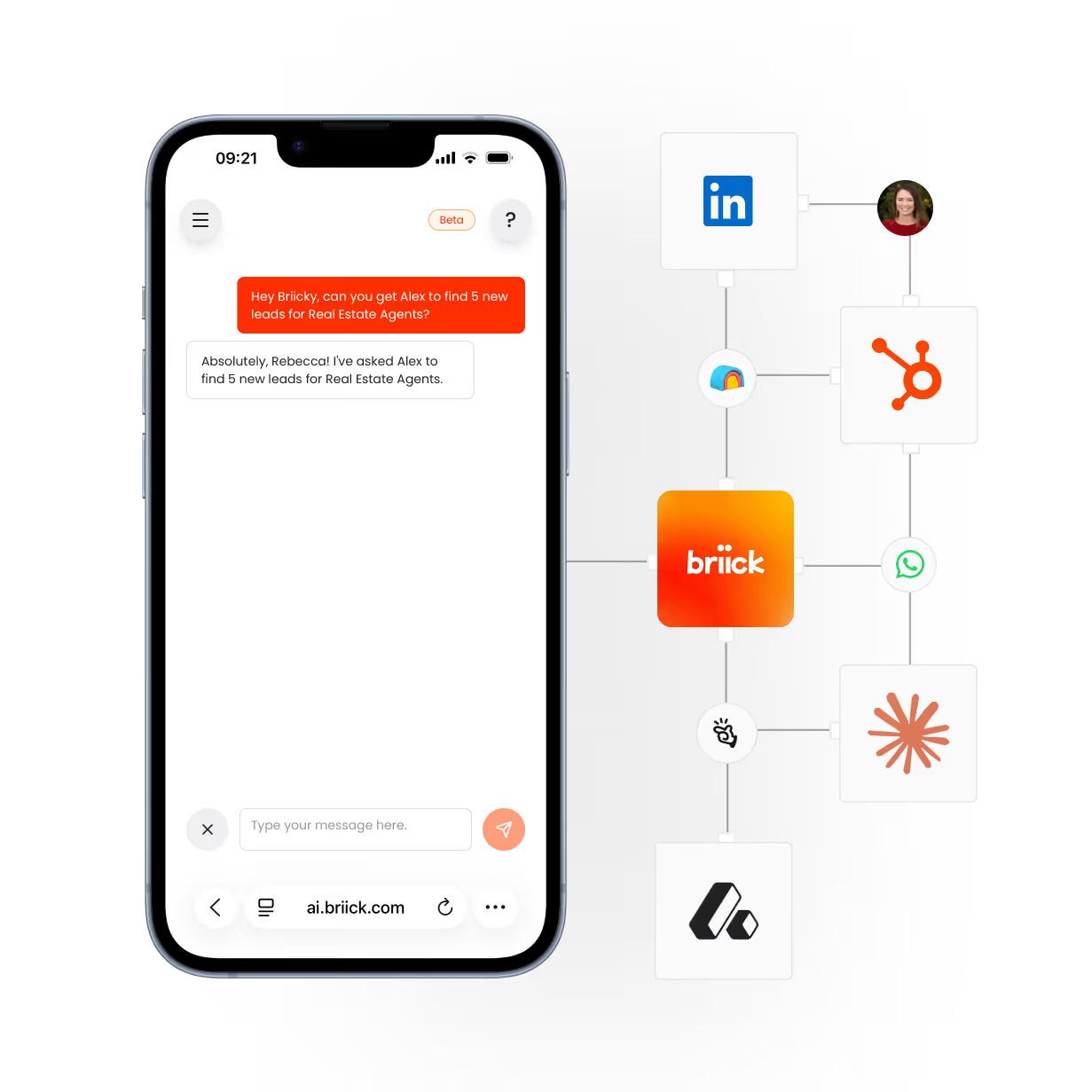
Smartphone screen showing a chat interface where a user asks, 'Hey Briick, can you get Alex to find 5 new leads for Real Estate Agents?' and the response says, 'Absolutely, Rebecca! I've asked Alex to find 5 new leads for Real Estate Agents.' Next to the phone are interconnected logos for LinkedIn, HubSpot, WhatsApp, Briick, and other business tools, illustrating integration with Briick's AI chat.

Put AI to work. Less chasing. More work getting done.

The call gets answered. Then someone still has to follow up, update the CRM and make sure the next step happens. We find the handovers costing your team time and build an agent around the first one worth fixing.

1. Identify

Choose the job worth fixing first.

Show us a task your team repeats every day. We trace the steps, check the tools involved and work out where an agent would save time without taking decisions away from your people.

Start with one task
  • Follow it end to end
  • Check the systems involved
  • Spot what gets missed
Pick the first build
  • Agree what it should do
  • Set a useful measure
  • Scope the work

You get a clear first step. You decide whether to build it.

2. Build

Build it around the way you work.

We set up the agent, connect the systems it needs and run it through real examples with your team. You see how it handles an enquiry, where it writes the result and when it asks a person to step in.

Use the tools you have
  • Set the agent's job
  • Connect the right systems
  • Move work to the next step
Test before launch
  • Test your own examples
  • Agree the handovers
  • Get your team ready

Your team signs off before it goes live.

3. Optimise

Keep it useful after launch.

A workflow is only useful if it keeps working. We monitor it, fix issues and adjust it when your process changes. Your team can use Briicky to check and direct connected agents by voice or text.

Keep it running
  • Monitor the work
  • Handle exceptions
  • Support your team
Make it work better
  • Review the results
  • Refine the workflows
  • Plan what to automate next

Ongoing support for work that changes.

Trusted by Leading Business.
Across Australia.

Lead follow-up · Sydney

Ray White

“Briick saves us hours every week by handling repetitive follow-ups, helping our agents respond faster, nurture more leads, and close 27% more deals in Just 90 days!” — Joseph Sharpe

See what Briick can automate ↗

Customer communication · Melbourne

GlamJet

“Briick has been a game changer. It handles the back and forth that used to eat most of our day. It allowed us to keep quality high even as our volume exploded. It's like magic, I wish I'd done this sooner.” — Sarah Hien Tran, Founder & CEO

Explore business workflows ↗

Based in Melbourne, with team members in Sydney and Brisbane.

Straight answers before you start.

What does Briick actually build?

We build agents that handle a defined job across your tools, such as answering an enquiry, qualifying it and updating your CRM. We agree the rules and handovers with your team before anything goes live.

Do we need an Audit before a Build?

No. If the first workflow is clear, we can scope a Build. If it isn't, an Audit helps you decide where to start. We agree the scope and price before either engagement begins.

Will this work with our current systems?

We start with your CRM, inbox, calendar and other systems. During scoping, we check their connections, permissions and limits. Then we tell you what the agent can actually do.

How long does a Build take?

Most Builds take 4–8 weeks from discovery to launch. The timeline depends on the systems, data and review steps involved. You'll see those milestones in the agreed scope.

What happens when the agent needs a person?

We set the points where the agent must ask for approval or hand work to your team. You test those cases before launch, and we monitor them once the workflow is running.

Automate one task this week. Never do it yourself again.

Bring us one example and the tools it touches. We’ll show you what an agent could handle, what still needs your team and whether a demo or a scoping call is the better next step.

Book a demo