

AI for Real Estate Prospecting

Win more seller conversations with consistent follow-up

Real estate prospecting takes time: agents need to keep in touch, maintain their database and spot seller intent between appointments. Briick helps agencies follow up with their existing contacts using AI, so agents can focus on the conversations that lead to appraisals and listings. Your team stays in control of what gets sent.

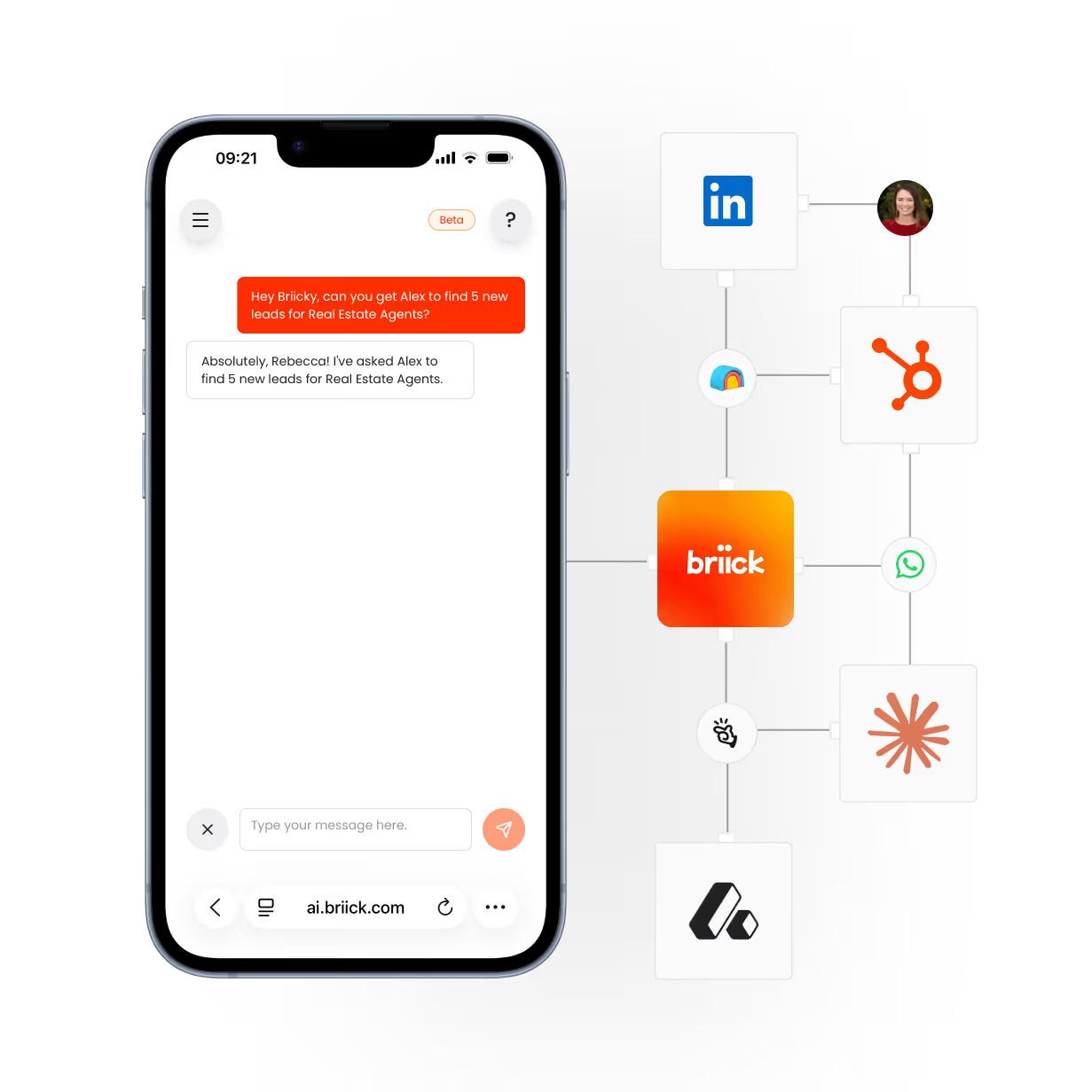
Smartphone screen showing a chat interface where a user asks, 'Hey Briick, can you get Alex to find 5 new leads for Real Estate Agents?' and the response says, 'Absolutely, Rebecca! I've asked Alex to find 5 new leads for Real Estate Agents.' Next to the phone are interconnected logos for LinkedIn, HubSpot, WhatsApp, Briick, and other business tools, illustrating integration with Briick's AI chat.

The work that costs you deals, handled. Reconnect with past appraisals, former clients and owners in your database. Briick supports consistent follow-up, captures seller interest and hands the next conversation to your agents.

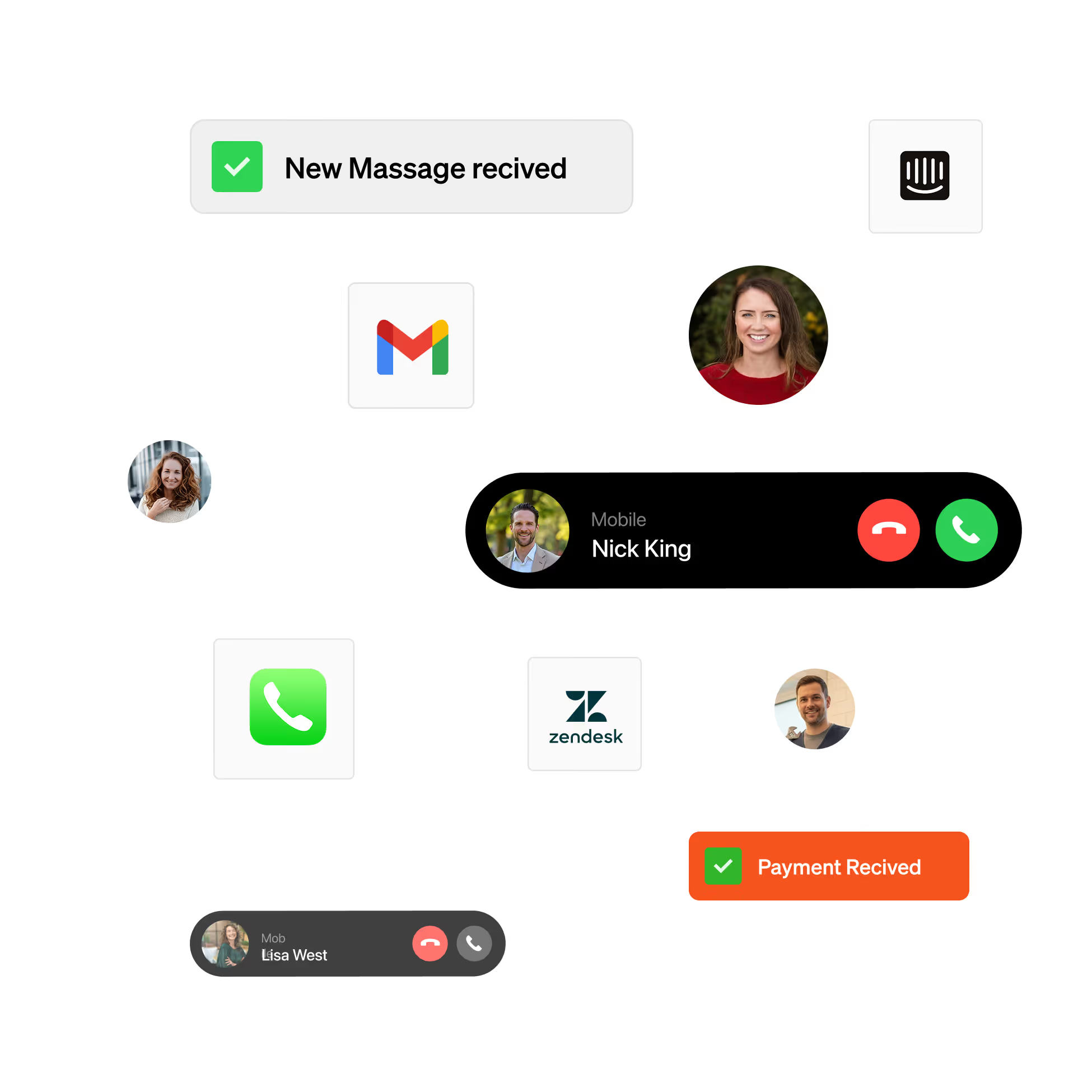
Interface showing call alerts, message notifications, and payment confirmations with user photos and app icons.

Reactivate your real estate database.

Start with a defined group of existing contacts, such as past appraisals or former clients. Use an agency-approved message to reopen the conversation, record replies and flag owners who want to discuss selling. Confirm contact permissions and exclusions before outreach.
Smiling middle-aged man with gray hair and beard using a smartphone in a modern office.

Turn seller interest into an appraisal conversation.

When an owner responds, capture their property, timing and reason for considering a move. Route interested owners to the right agent and coordinate the next appointment through the connected systems agreed in your scope. Your agent handles advice, pricing and the listing conversation.

Follow up after the appraisal.

An appraisal that does not become a listing still needs a next step. Briick can support agreed follow-up sequences, record changes in timing and keep the CRM updated. Your team controls the message, cadence and points where an agent takes over.
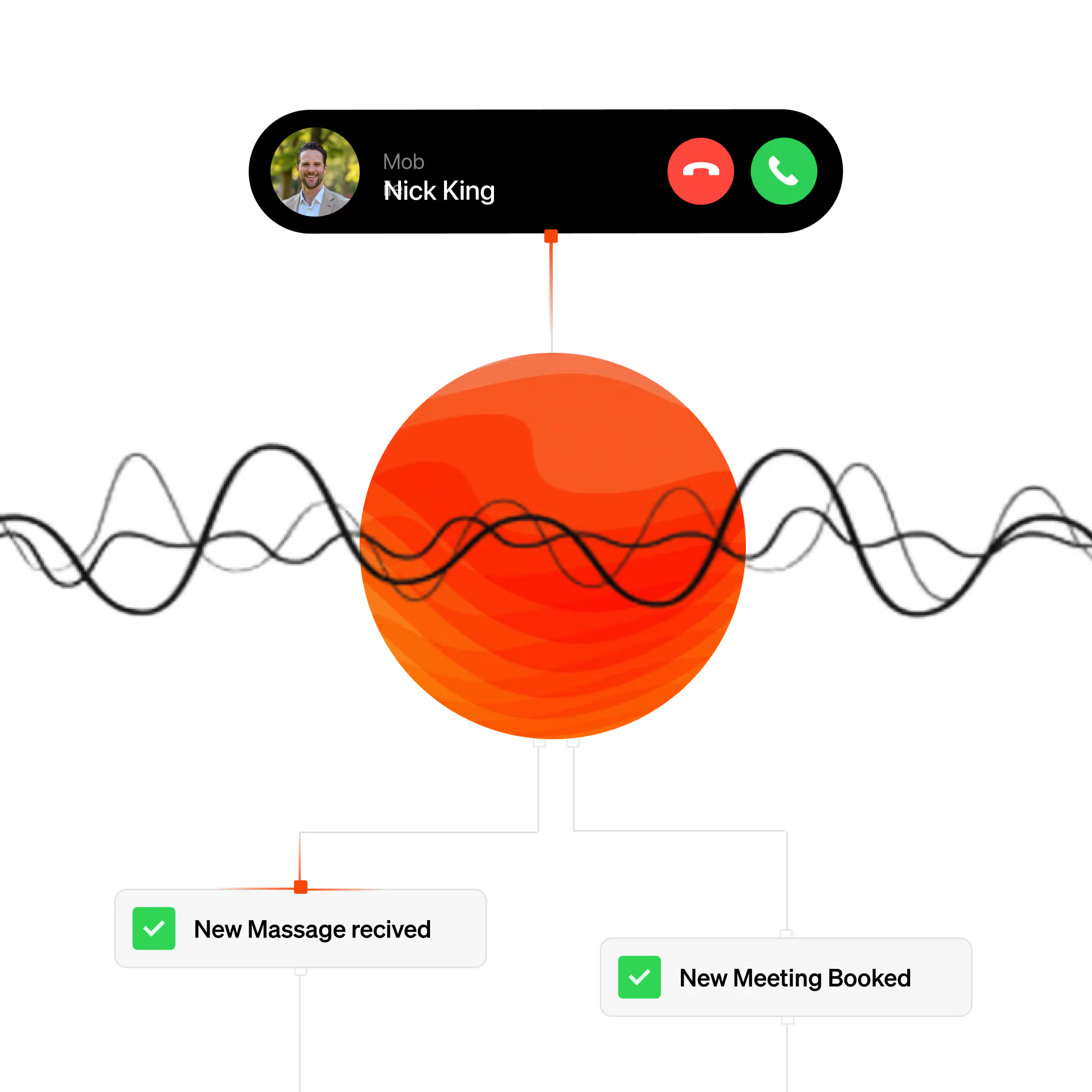
Diagram showing a phone call interface with Nick King and voice waves connected to notifications for a new message received and a new meeting booked.

Keep buyer enquiries moving too.

Support incoming buyer enquiries and post-inspection follow-up alongside seller prospecting. Capture the brief, answer approved questions and route the next step to your team. Available channels, booking actions and integrations are confirmed during scoping.

Agents in channels where you need them most

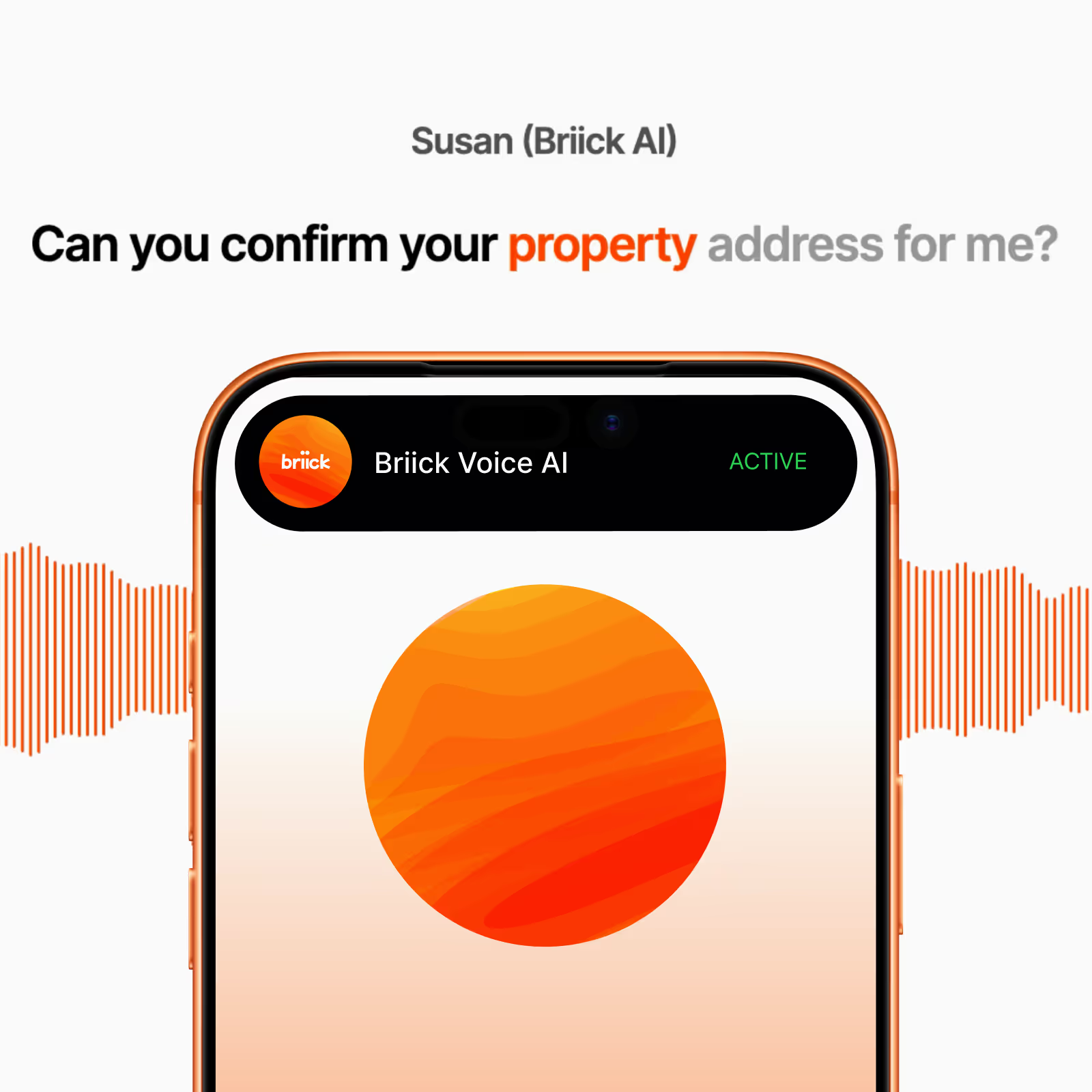
Mobile screen showing Briick Voice AI app with a speech waveform and text asking to confirm property address.

AI for inbound calls. Answers every call in your brand voice, qualifies leads, and supports customers 24/7. Never miss a call again.

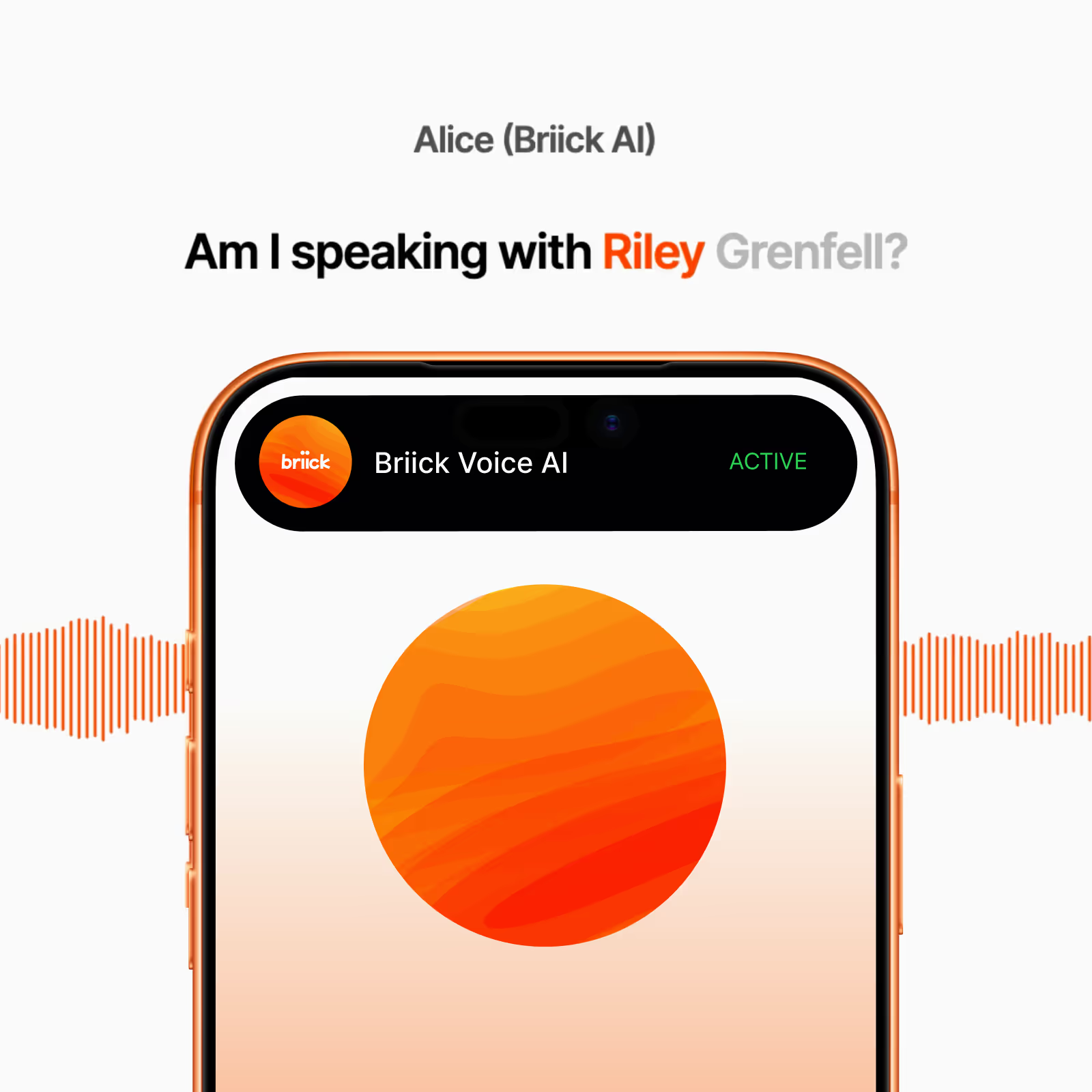
Mobile screen showing active Briick Voice AI app with text 'Am I speaking with Riley Grenfell?' above it and orange sound waves on each side.

AI voice agent for outreach. Calls new leads in under 5 minutes, runs follow-up sequences, and books appointments straight into your calendar.

AI for WhatsApp Business. Handles voice notes, text, and image messages 24/7. Your customers chat where they already are. You don't have to.

AI for SMS.Replies in seconds, qualifies leads, books appointments, and handles reschedules. The 98% open rate channel, on autopilot.

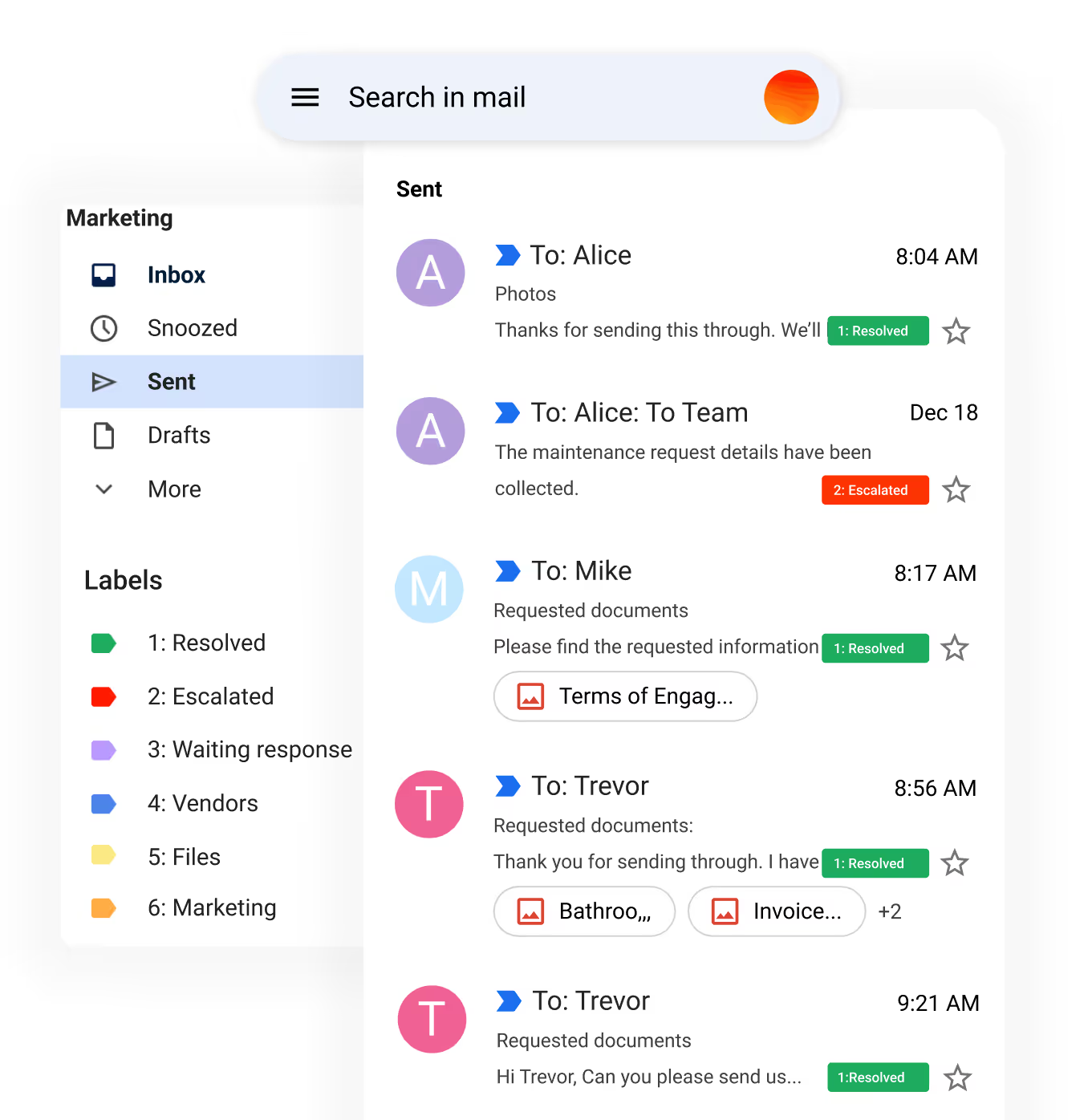
Email inbox interface showing sent messages with labels including Resolved, Escalated, Waiting response, Vendors, Files, and Marketing, with stars for favorites.

AI for customer service email. Handles repetitive support tickets and lead emails 24/7. Tags, sorts, and replies in your brand voice. Escalates to a human only when it matters.

"Briick saves us hours every week by handling repetitive follow-ups, helping our agents respond faster, nurture more leads, and close 27% more deals."
Joseph Sharpe
Ray White

How it works.

Every agent runs through four sprints - design, build, launch, tune. How long each sprint takes depends on the agent and the team. Simple agents move fast. Complex agents go deep. Either way, the method is the same.

Sprint #1
Identify
We find the work worth automating. Then define the agent: what it does, what it accesses, and when a human takes over.

Sprint #2
Build
We configure the agent to your policies. Connect it to your CRM, calendar, phone system, or whichever tools it needs. Run it through your real scenarios.

Sprint #3
Launch
The agent goes live in production. Briicky picks up the controls. You see what's happening across every channel.

Sprint #4
Optimise
We review what the agent handled, sharpen what's working, fix what's not. By the end of Sprint 4, the agent runs itself - and we move to your next one

Real estate AI FAQs

What agencies need to know

What is Briick for real estate?

Briick helps real estate agencies use AI for database follow-up, seller lead qualification and appraisal coordination. It can also support buyer enquiries and inspection follow-up. Your team sets the workflows, approved messages and handover rules.

Can AI help real estate agents get more listings?

AI can help keep follow-up consistent and identify owners ready for an appraisal conversation. It does not guarantee listings. Track replies, qualified seller conversations, booked appraisals and signed listings separately so you can see whether the workflow creates business value.

Where should we start with database reactivation?

Choose one relevant segment, such as past appraisals that did not list. Review contact permissions, remove excluded contacts and agree the message and handover rules. Run a small pilot, review the conversations with your agents and expand only when the results justify it.

Does Briick integrate with real estate CRMs?

Briick can connect with common real estate and business systems, including Agentbox, Rex, VaultRE, Property Tree and HubSpot. The exact integration approach is confirmed during scoping.

Can Briick handle after-hours enquiries?

Yes. Briick can answer calls and messages outside office hours, qualify the enquiry and either book the next step or leave a structured brief for the agency team.

How long does implementation take?

Implementation timing depends on the workflows, integrations, data quality and approvals involved. Most Build engagements run 4–8 weeks from discovery to launch. Your project scope confirms the timeline and review points.

Real estate guides

Read more on winning listings

The open home aftermath

Where buyers go quiet between Saturday and Monday, and the 48-hour follow-up that keeps them.

Be first to access Briick AI for property.

Get early access to AI that manages your customer service across voice, text, and email – limited spots available.

You’re on the list 🎉

We’ll reach out when new access batches open.
Oops! Something went wrong while submitting the form.