
Email AI.
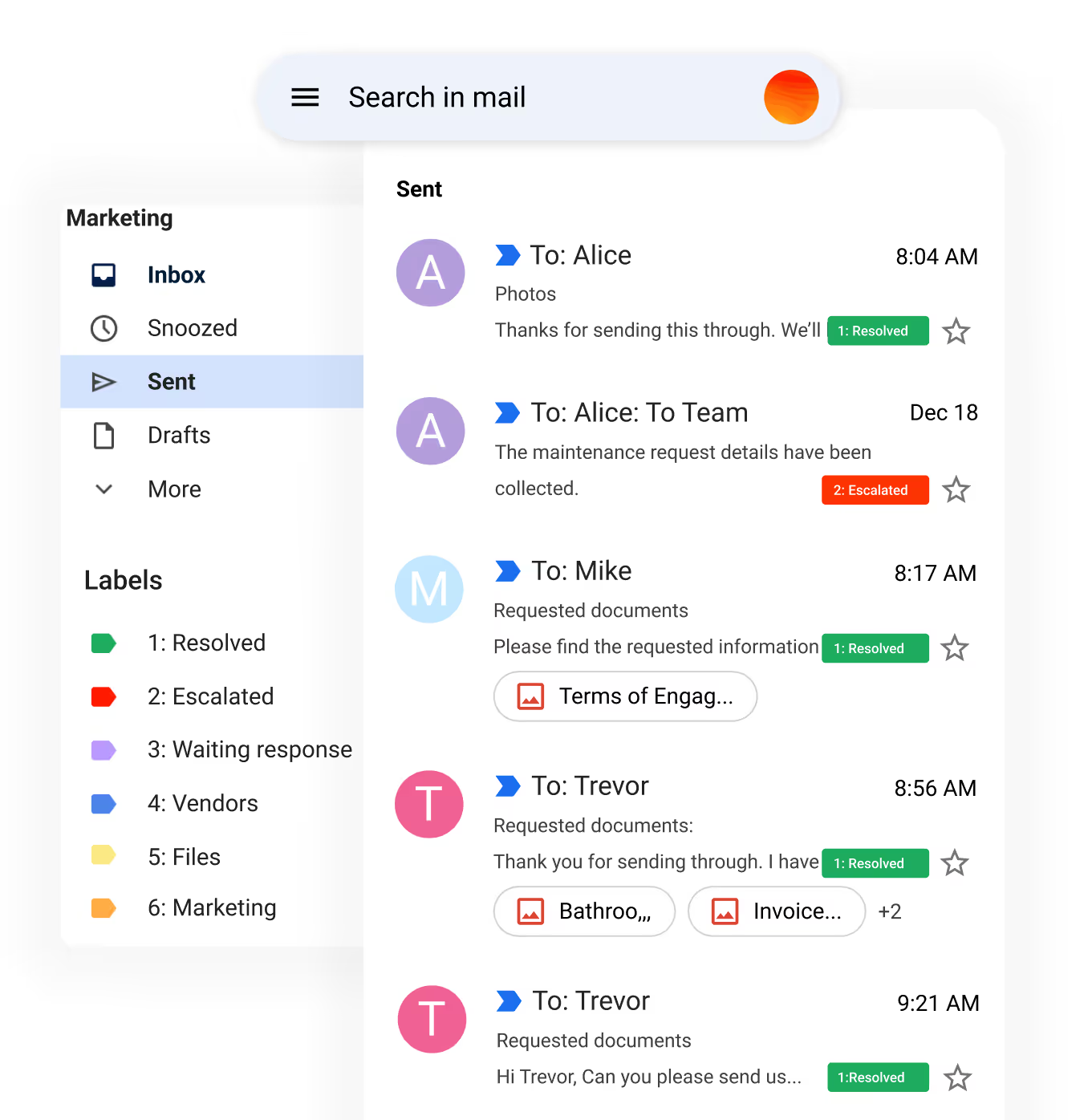
Handles repetitive customer service and lead emails, escalating to a human only when required.
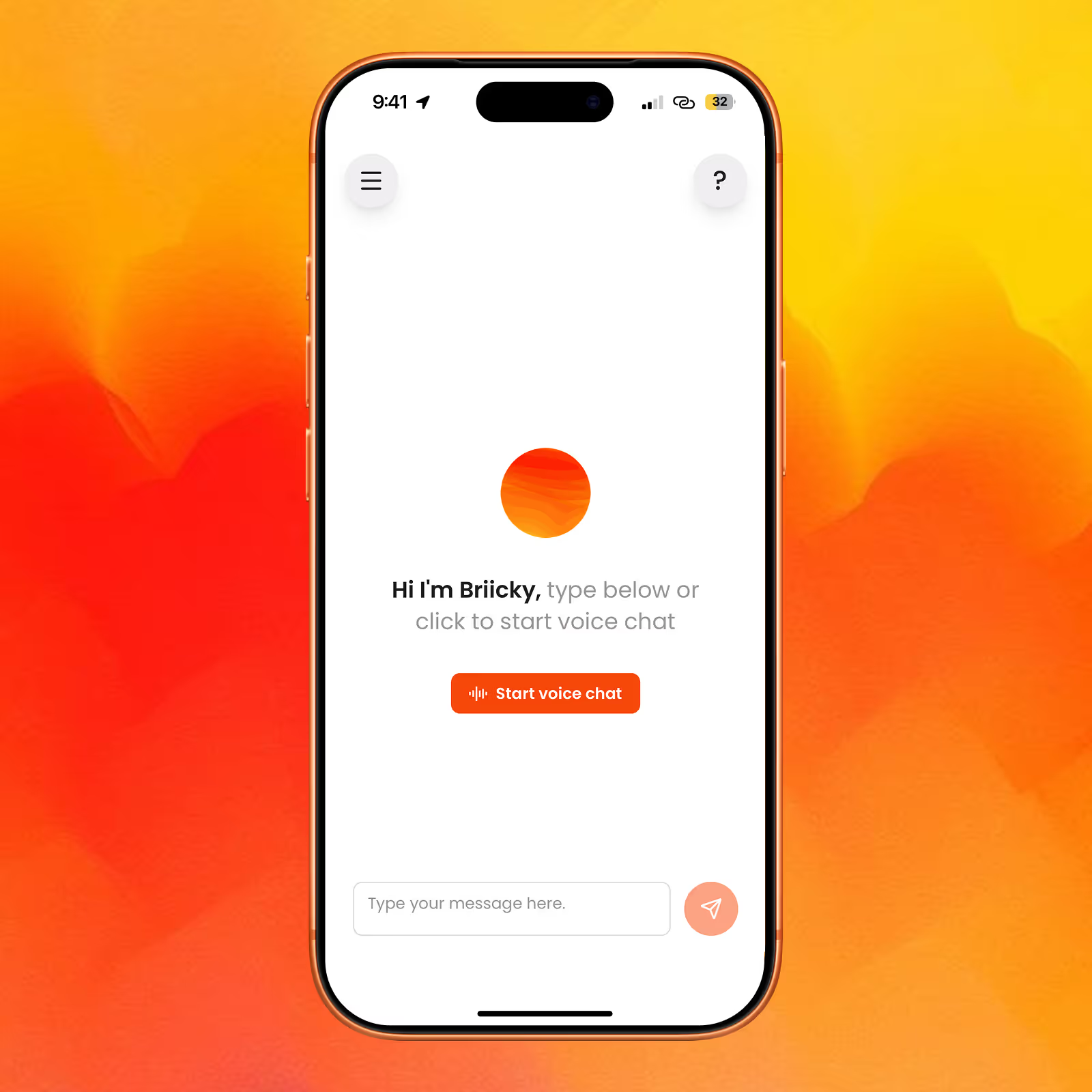
You talk to your business. It talks back. Briick handles the agent workflows. @Briicky lets you direct it all by voice.
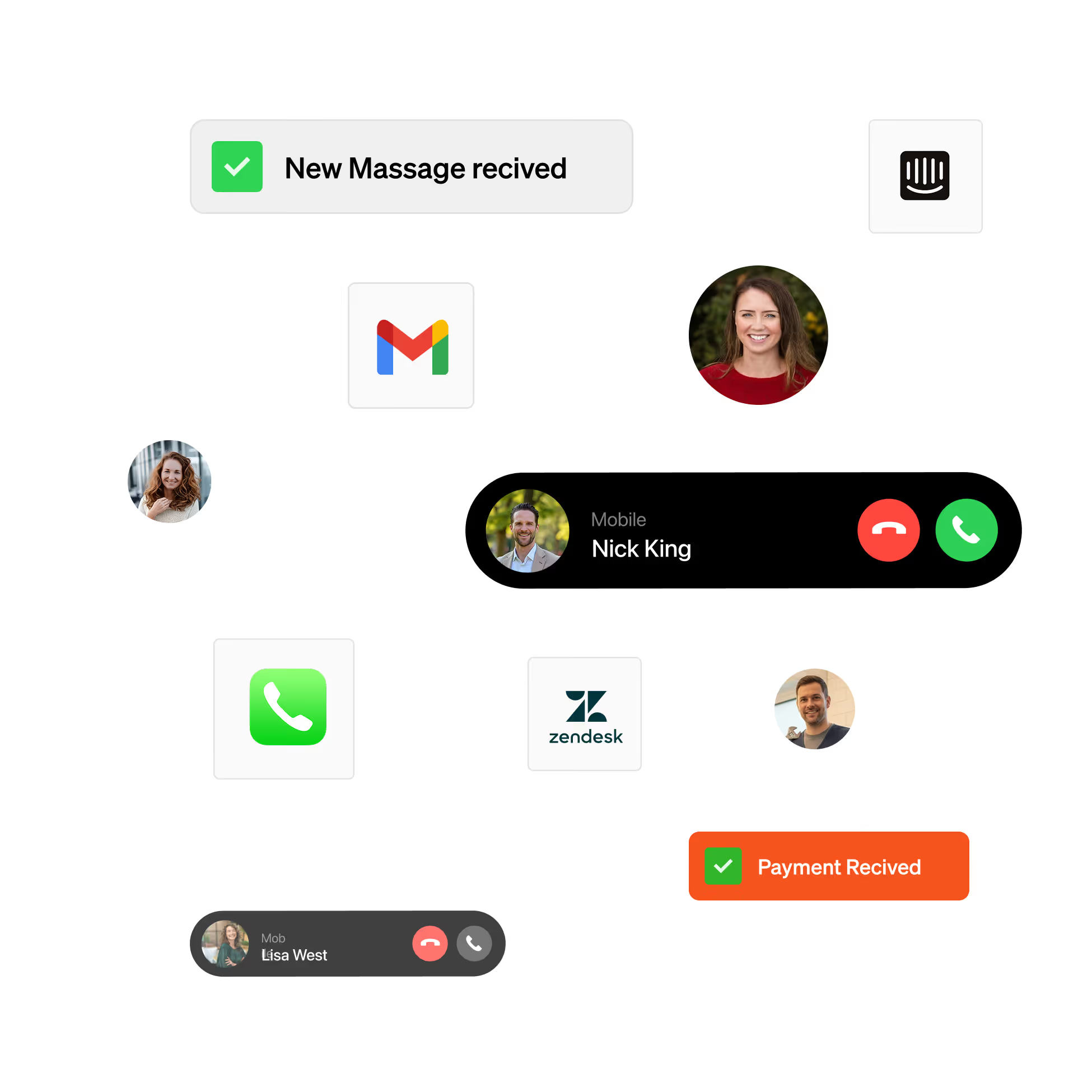
Multi-channel customer conversations. Briick handles calls, emails, WhatsApp, and SMS in your brand voice - and learns from every interaction.

Your AI Chief of Staff. Talk to Briicky to direct your AI agents, pull reports, and manage workflows - by voice or text.
Onboard customers in minutes, not days. Briick automates client onboarding, info capture, and welcome workflows - so new customers feel handled, not processed.
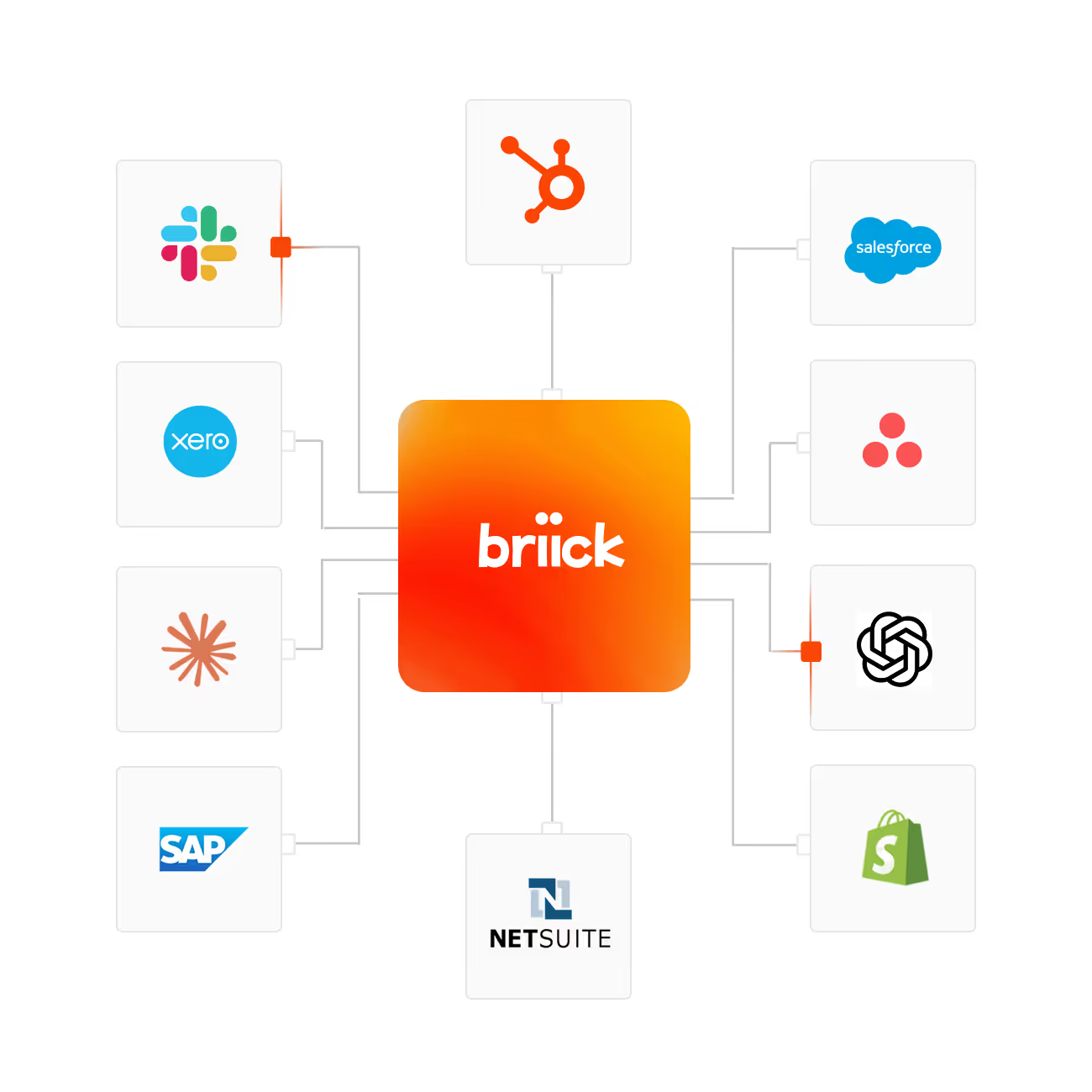
Everything in one place. When automation ends, your control begins. Every conversation, agent, and workflow in one system.
How it works.
Every agent runs through four sprints - design, build, launch, tune. How long each sprint takes depends on the agent and the team. Simple agents move fast. Complex agents go deep. Either way, the method is the same.
Sprint #1
Identify
We find the work worth automating. Then define the agent: what it does, what it accesses, and when a human takes over.
Sprint #2
Build
We configure the agent to your policies. Connect it to your CRM, calendar, phone system, or whichever tools it needs. Run it through your real scenarios.
Sprint #3
Launch
The agent goes live in production. Briicky picks up the controls. You see what's happening across every channel.
Sprint #4
Optimise
We review what the agent handled, sharpen what's working, fix what's not. By the end of Sprint 4, the agent runs itself - and we move to your next one
Voice-first dashboard
Control your Email AI agent and automations by voice command.
FAQ. Questions about pricing and engagement with Briick
A focused 1-2 week engagement where Briick reviews your operations end-to-end. You get a roadmap document with the specific agents worth building first, the integrations they'll need, and an estimate of the time and cost saved. No sales pitch attached - you can take the roadmap and execute it with us, with your own team, or with someone else.
Most Build engagements run 4–8 weeks from discovery to live agents. Timing depends on the number of agents, required integrations, and the quality of existing data and process documentation. Briick handles the build; your team provides context, reviews checkpoints and approves the output.
Build is a fixed-scope project that delivers working AI agents inside your business. Run is an ongoing engagement where Briick operates and improves those agents, with Briicky coordinating the AI layer. Most customers start with Build and move to Run once the agents are proven.
Audits have fixed pricing based on business size. Builds have fixed pricing per agent or workflow. Run engagements are scoped per business based on the agents involved and the operations layer needed. We give you a price after we understand the scope, not before.
Service businesses across property, real estate, hotels and hospitality, healthcare, finance, and construction. Anywhere there's high-volume customer communication, document review, compliance checking, or operational coordination that an AI can handle alongside your team.
@Briicky is your AI Chief of Staff. @Briicky is the easiest way to manage your AI agents and control your entire AI system through conversation.
Instead of logging into multiple dashboards and tools, you can orchestrate everything by simply talking to @Briicky, one smart manager who knows your business and coordinates everything for you. @Briicky becomes your interface to your whole AI system. You can talk to @Briicky, to get the right AI agent to do the work. Talk to @Briicky by voice or text on Slack, Microsoft Teams, WhatsApp, over the phone, or directly from the Briick dashboard.
Yes. The Audit roadmap can become the scope for a Build engagement, and the Build can become the foundation for a Run engagement. Each step is a separate commitment, with no obligation to continue beyond the engagement you have approved.
If the Audit shows AI is not the right fit for your business right now, Briick will say so. The roadmap will identify what is worth automating, what should remain human-led, and what should wait. You keep the roadmap either way.