
AI consulting for Australian businesses

Know what to automate. Know where to start.

Your team is busy. You know AI could help. The hard part is working out where. Briick’s AI consulting turns the way your business works into a clear plan for what to automate, what to connect and what to build first.

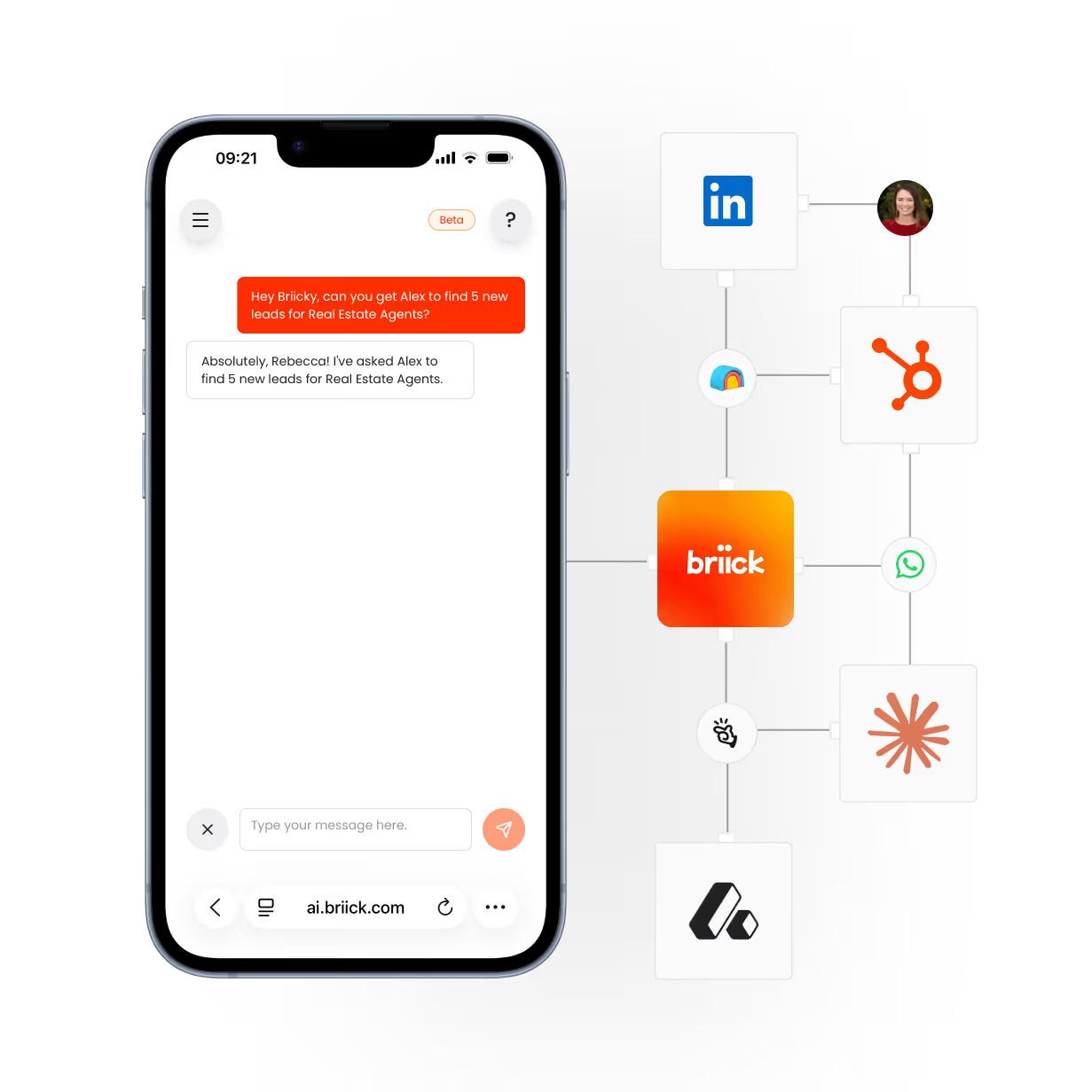
Smartphone screen showing a chat interface where a user asks, 'Hey Briick, can you get Alex to find 5 new leads for Real Estate Agents?' and the response says, 'Absolutely, Rebecca! I've asked Alex to find 5 new leads for Real Estate Agents.' Next to the phone are interconnected logos for LinkedIn, HubSpot, WhatsApp, Briick, and other business tools, illustrating integration with Briick's AI chat.

Agents in channels where you need them most

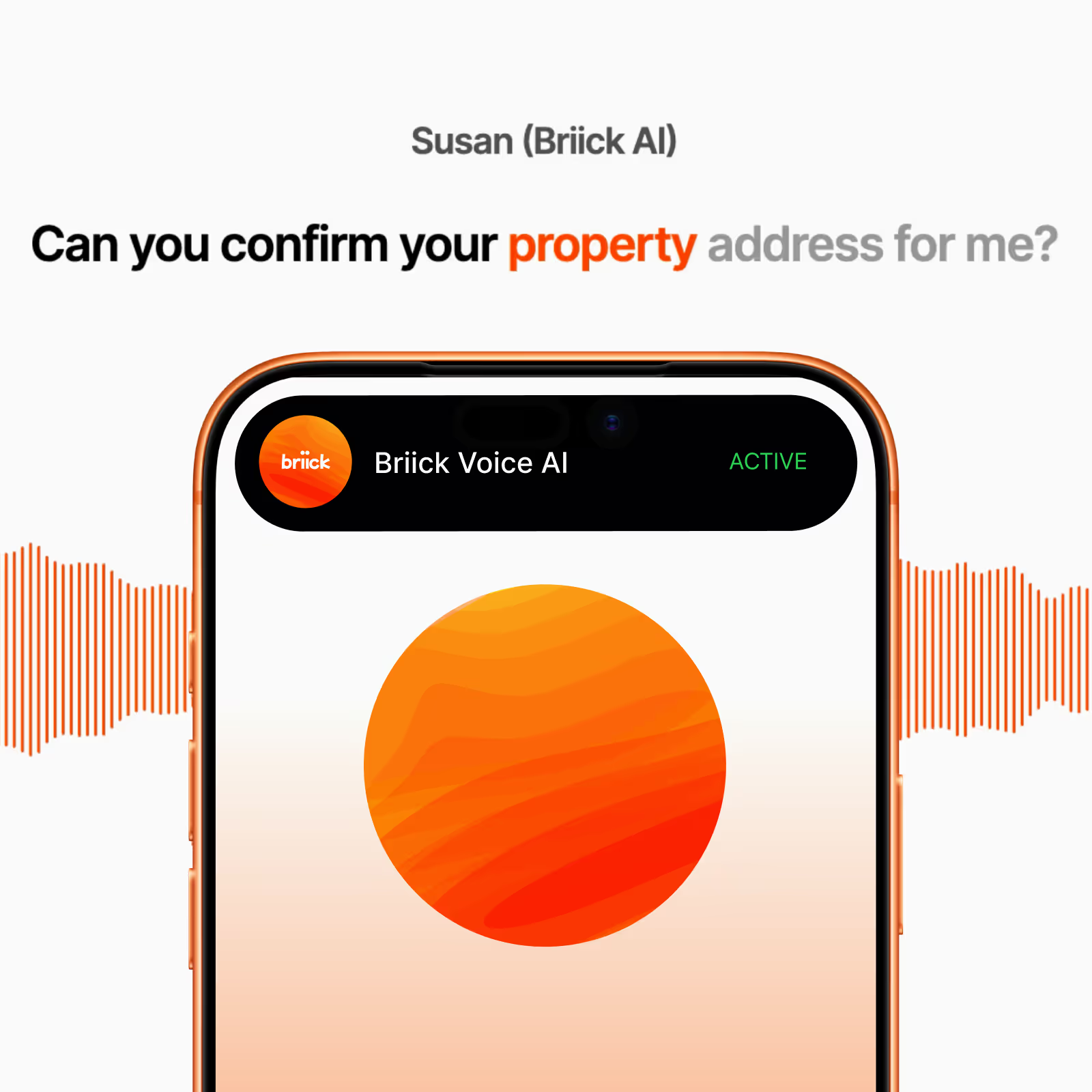
Mobile screen showing Briick Voice AI app with a speech waveform and text asking to confirm property address.

AI for inbound calls. Answers every call in your brand voice, qualifies leads, and supports customers 24/7. Never miss a call again.

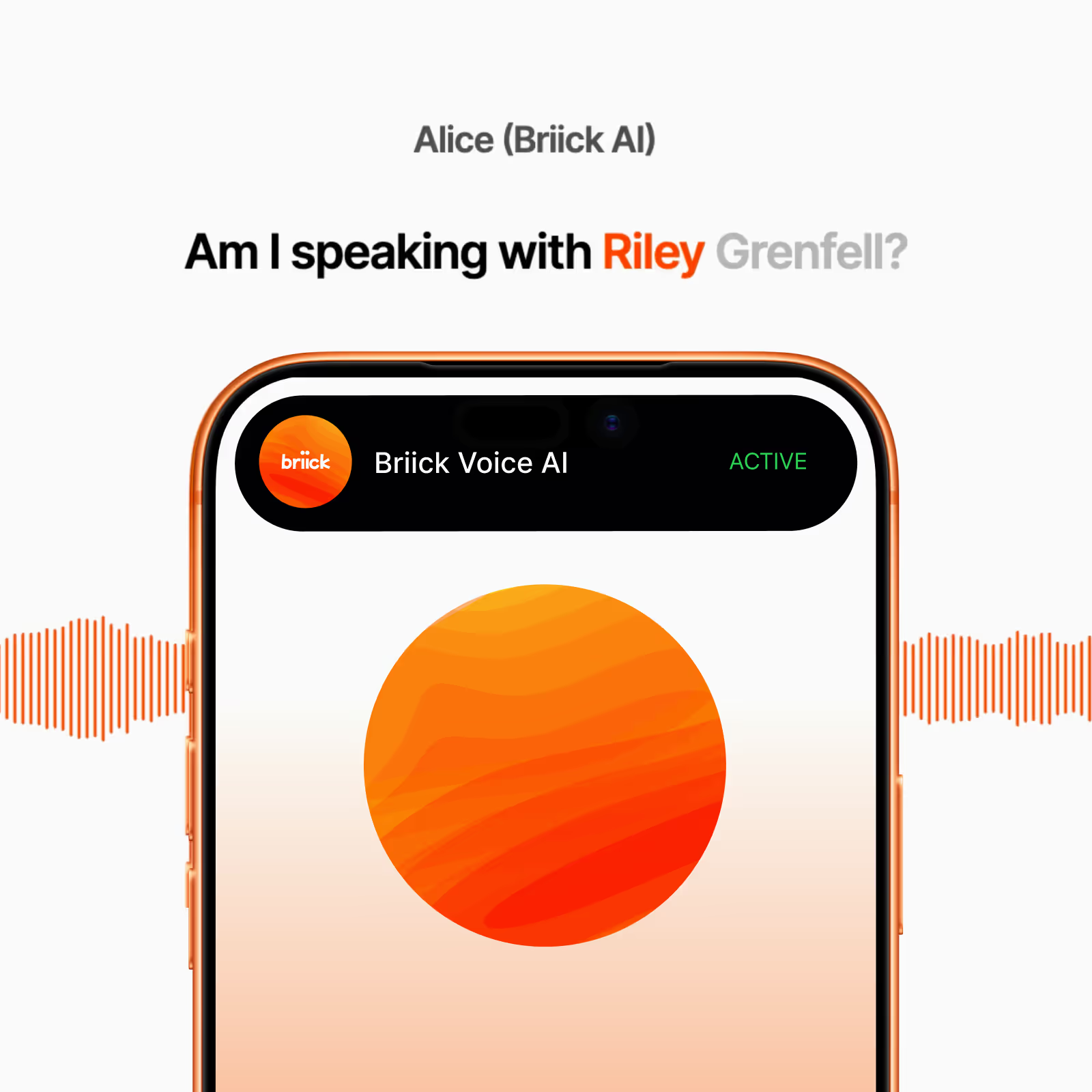
Mobile screen showing active Briick Voice AI app with text 'Am I speaking with Riley Grenfell?' above it and orange sound waves on each side.

AI voice agent for outreach. Calls new leads in under 5 minutes, runs follow-up sequences, and books appointments straight into your calendar.

AI for WhatsApp Business. Handles voice notes, text, and image messages 24/7. Your customers chat where they already are. You don't have to.

AI for SMS.Replies in seconds, qualifies leads, books appointments, and handles reschedules. The 98% open rate channel, on autopilot.

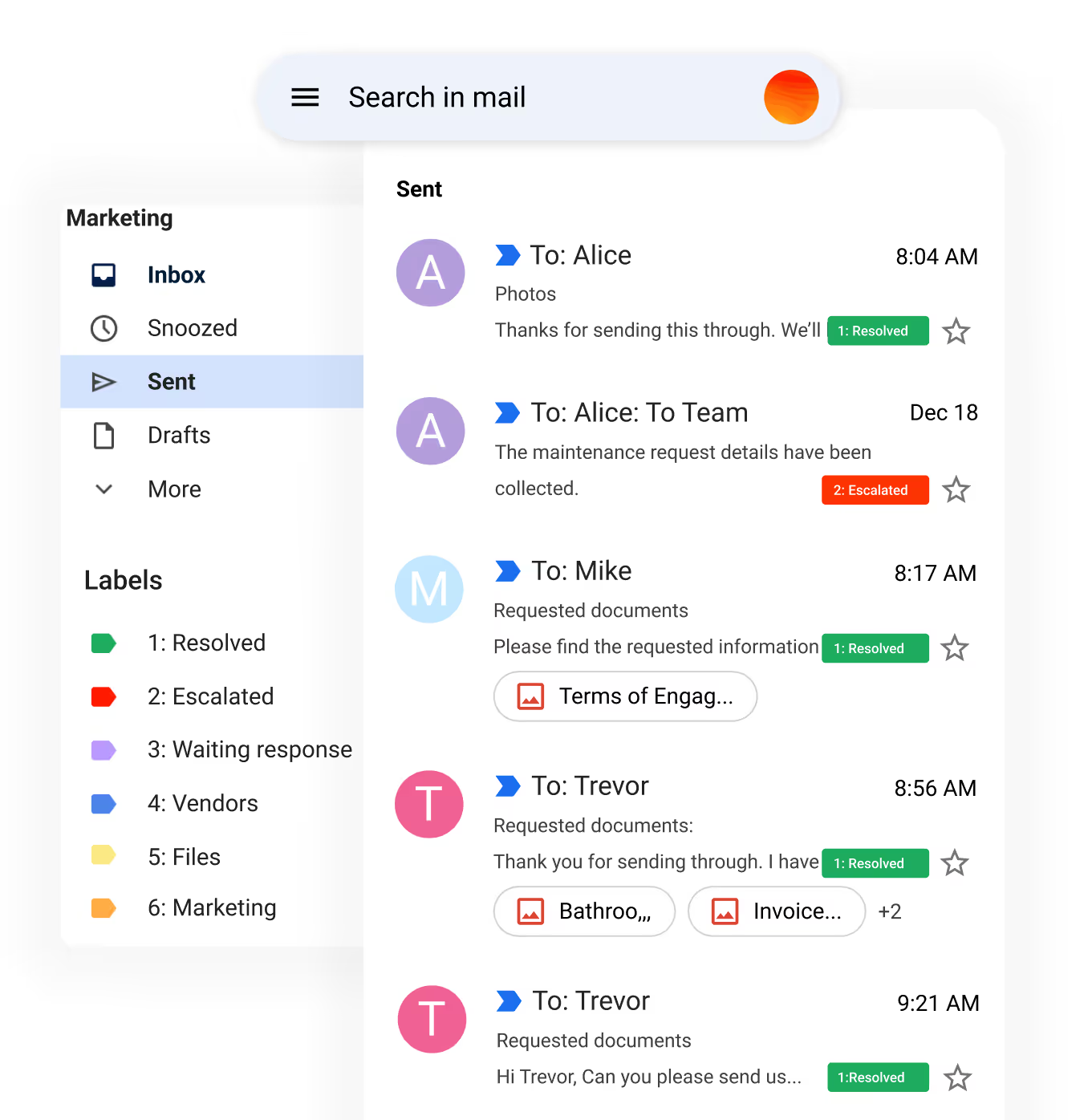
Email inbox interface showing sent messages with labels including Resolved, Escalated, Waiting response, Vendors, Files, and Marketing, with stars for favorites.

AI for customer service email. Handles repetitive support tickets and lead emails 24/7. Tags, sorts, and replies in your brand voice. Escalates to a human only when it matters.

How it works.

Every agent runs through four sprints - design, build, launch, tune. How long each sprint takes depends on the agent and the team. Simple agents move fast. Complex agents go deep. Either way, the method is the same.

Sprint #1
Identify
We find the work worth automating. Then define the agent: what it does, what it accesses, and when a human takes over.

Sprint #2
Build
We configure the agent to your policies. Connect it to your CRM, calendar, phone system, or whichever tools it needs. Run it through your real scenarios.

Sprint #3
Launch
The agent goes live in production. Briicky picks up the controls. You see what's happening across every channel.

Sprint #4
Optimise
We review what the agent handled, sharpen what's working, fix what's not. By the end of Sprint 4, the agent runs itself - and we move to your next one


FAQ. Questions about pricing and engagement with Briick

What does an Audit include?

A focused 1-2 week engagement where Briick reviews your operations end-to-end. You get a roadmap document with the specific agents worth building first, the integrations they'll need, and an estimate of the time and cost saved. No sales pitch attached - you can take the roadmap and execute it with us, with your own team, or with someone else.

How long does a Build engagement take?

Most Build engagements run 4–8 weeks from discovery to live agents. Timing depends on the number of agents, required integrations, and the quality of existing data and process documentation. Briick handles the build; your team provides context, reviews checkpoints and approves the output.

What's the difference between Build and Run?

Build is a fixed-scope project that delivers working AI agents inside your business. Run is an ongoing engagement where Briick operates and improves those agents, with Briicky coordinating the AI layer. Most customers start with Build and move to Run once the agents are proven.

Do you have fixed pricing or is everything custom?

Audits have fixed pricing based on business size. Builds have fixed pricing per agent or workflow. Run engagements are scoped per business based on the agents involved and the operations layer needed. We give you a price after we understand the scope, not before.

What kind of businesses work with Briick?

Service businesses across property, real estate, hotels and hospitality, healthcare, finance, and construction. Anywhere there's high-volume customer communication, document review, compliance checking, or operational coordination that an AI can handle alongside your team.

How does Briicky fit in?

@Briicky is your AI Chief of Staff. @Briicky is the easiest way to manage your AI agents and control your entire AI system through conversation.

Instead of logging into multiple dashboards and tools, you can orchestrate everything by simply talking to @Briicky, one smart manager who knows your business and coordinates everything for you. @Briicky becomes your interface to your whole AI system. You can talk to @Briicky, to get the right AI agent to do the work. Talk to @Briicky by voice or text on Slack, Microsoft Teams, WhatsApp, over the phone, or directly from the Briick dashboard.

Can I start with an Audit and upgrade later?

Yes. The Audit roadmap can become the scope for a Build engagement, and the Build can become the foundation for a Run engagement. Each step is a separate commitment, with no obligation to continue beyond the engagement you have approved.

What happens if my business doesn't fit?

If the Audit shows AI is not the right fit for your business right now, Briick will say so. The roadmap will identify what is worth automating, what should remain human-led, and what should wait. You keep the roadmap either way.

Be first to access Briick AI for property.

Get early access to AI that manages your customer service across voice, text, and email – limited spots available.

You’re on the list 🎉

We’ll reach out when new access batches open.
Oops! Something went wrong while submitting the form.

Get clear on AI. Then get it to work.

A useful AI plan starts with the work your team does every day. We trace the process, check your tools and help you choose where an agent would make a measurable difference.

1. Identify

See where the day goes.

We talk to the people doing the work and follow a real task from start to finish. Where does it slow down? What gets missed? Which decisions need a person?

Look at the work
  • Map the workflow
  • Find the handovers
  • Ask the people doing it
Check the constraints
  • Review your tools
  • Check the data
  • Mark human decisions

You see where AI could help and where it would get in the way.

2. Prioritise

Choose the first workflow.

We weigh the time a task takes, the opportunity it creates and what your systems can support. Then we choose a first step your team can actually test.

Compare the options
  • Estimate time saved
  • Check feasibility
  • Rank the opportunities
Agree what success means
  • Choose a first task
  • Define approval points
  • Set a way to measure it

You know what to tackle first and why.

3. Plan

Leave with a plan your team can use.

Your roadmap sets out the first workflow, the tools and access it needs, the decisions people should keep and what a build would involve. You decide whether to take it forward.

Make the roadmap
  • Define the scope
  • List dependencies
  • Plan the handovers
Decide what follows
  • Review with your team
  • Choose a build partner
  • Start when you are ready

The roadmap is yours. A Build is a separate decision.

What teams say. In their own words.

Lead follow-up · Sydney

Ray White

“Briick saves us hours every week by handling repetitive follow-ups, helping our agents respond faster, nurture more leads, and close 27% more deals in Just 90 days!” — Joseph Sharpe

See what Briick can automate ↗

Customer communication · Melbourne

GlamJet

“Briick has been a game changer. It handles the back and forth that used to eat most of our day. It allowed us to keep quality high even as our volume exploded. It's like magic, I wish I'd done this sooner.” — Sarah Hien Tran, Founder & CEO

Explore business workflows ↗

Based in Melbourne, working with service businesses across Australia.

Your questions, answered.

What does AI consulting include?

We review how your team works, the tools and data involved, and where AI could take useful work off their plate. You get priorities and a practical plan for the first workflow.

Do we need to be ready to build?

No. Consulting helps you decide whether there is a worthwhile first build and what it would take. You can use the plan with your own team or ask Briick to scope a separate Build.

Can you work with our existing tools?

We start with the tools you already use. We check how they connect, what access is needed and which actions they support before recommending a workflow.

What do we get at the end?

A roadmap naming the first workflow, its dependencies, the human handovers and how to measure success. The detail depends on the scope agreed at the start.

Can Briick build it afterwards?

Yes. If you want us to implement the plan, we scope and price the Build separately. Your team reviews real examples before any agent goes live.

Know where to start.

Bring us one workflow that takes too much time or keeps getting missed. We’ll help you work out where AI can help and what it would take.

Talk through your workflow